Free · Open source · No ads
Lose weight moderately. Keep it off.
A calm weight-loss app for people doing it on their own. It learns from your own scale and your own food log, so a rough log is good enough.
Works in any browser, and as an Android app. Kilograms, pounds or stone. Bring your weigh-ins from Apple Health or another app.
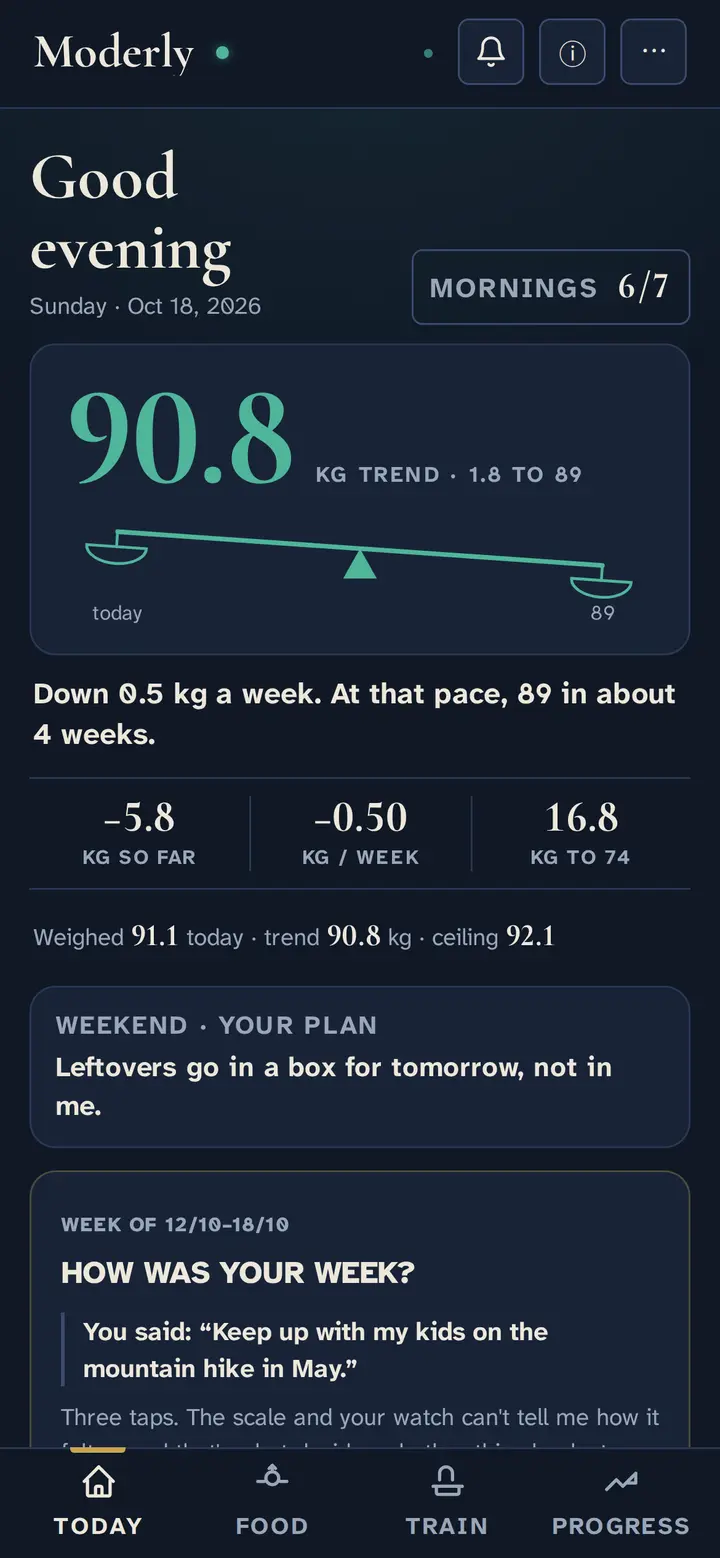
The scale jumps around. The trend doesn't.
Water, salt and last night's dinner move the scale by a kilo or more from one morning to the next. Moderly draws one line through your mornings and reads that instead, so one bad morning never ruins a good week.
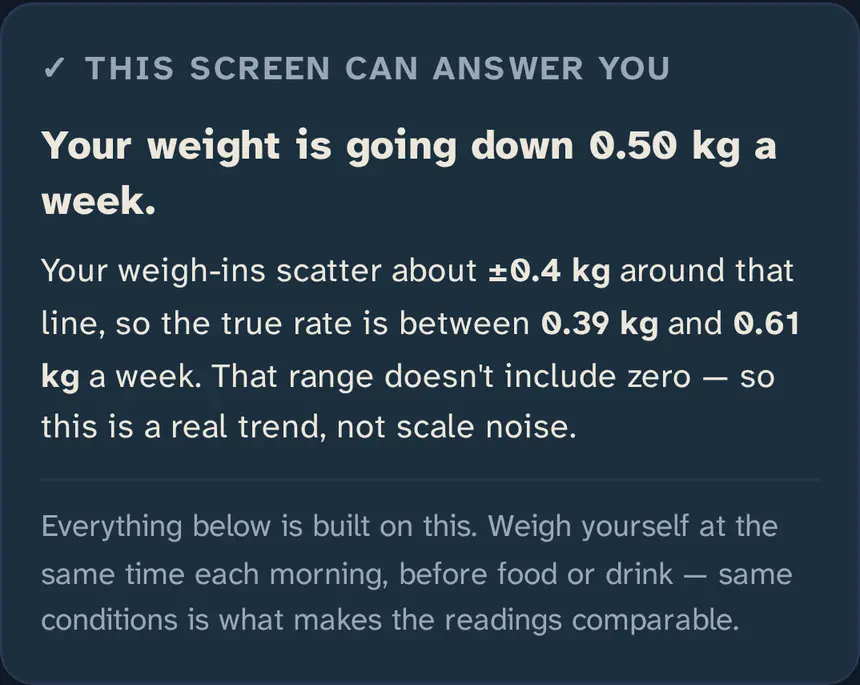
It tells you how sure it is.
Most apps show a number. Moderly shows how much to trust it: how fast you're really losing, and the range that could be. When the range doesn't include zero, it's real loss, not noise.
Set a next stop and it tells you what it means, like leaving a BMI band, and calls it reached only when the trend stays there.
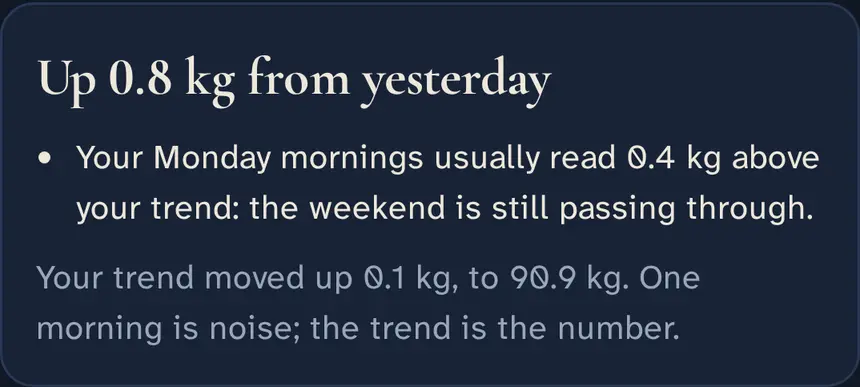
When the scale jumps, it tells you why.
The morning the scale goes up for no reason is the morning most people give up. Moderly looks at your own log for the reason: a bigger day yesterday, the weekend, a first workout after a break.
It says only what your data shows, and it always ends with what the trend did, which is usually almost nothing.
A rough food log is enough.
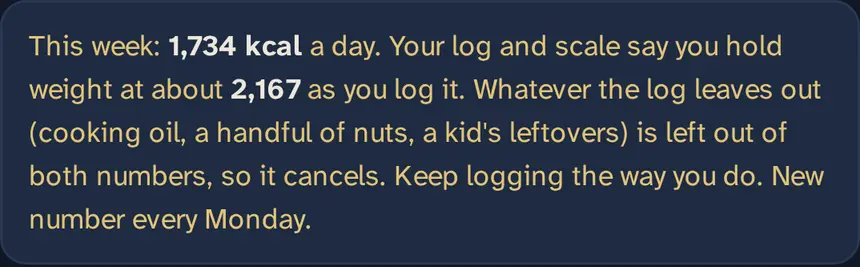
Nobody logs every drop of oil. In early results from a test led by the US National Institutes of Health this year, photo-logging apps missed 250 to 345 kcal a meal. Moderly doesn't need a perfect log: it compares what you log with what your scale does and sets your budget in your log's own units.
Leave out the same things most days and they cancel out. Moderly never asks you to log more.
Search, barcodes, or a photo or a few words with an estimate.
A plan for the moments diets break.
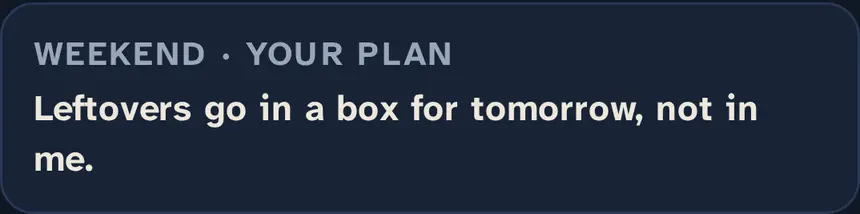
Diets rarely break on a Tuesday lunchtime. They break on Friday night, at the weekend, at ten in the kitchen. Write down now what you'll do then, in your own words, and Moderly hands it back to you at that moment.
Plans made this way, ahead of time and this specific, make people clearly more likely to follow through: a medium-to-large effect across 94 studies.
Built for keeping it off.
Losing is the part most apps are built for. Keeping it off is where most people struggle, and most apps stop helping at the goal.
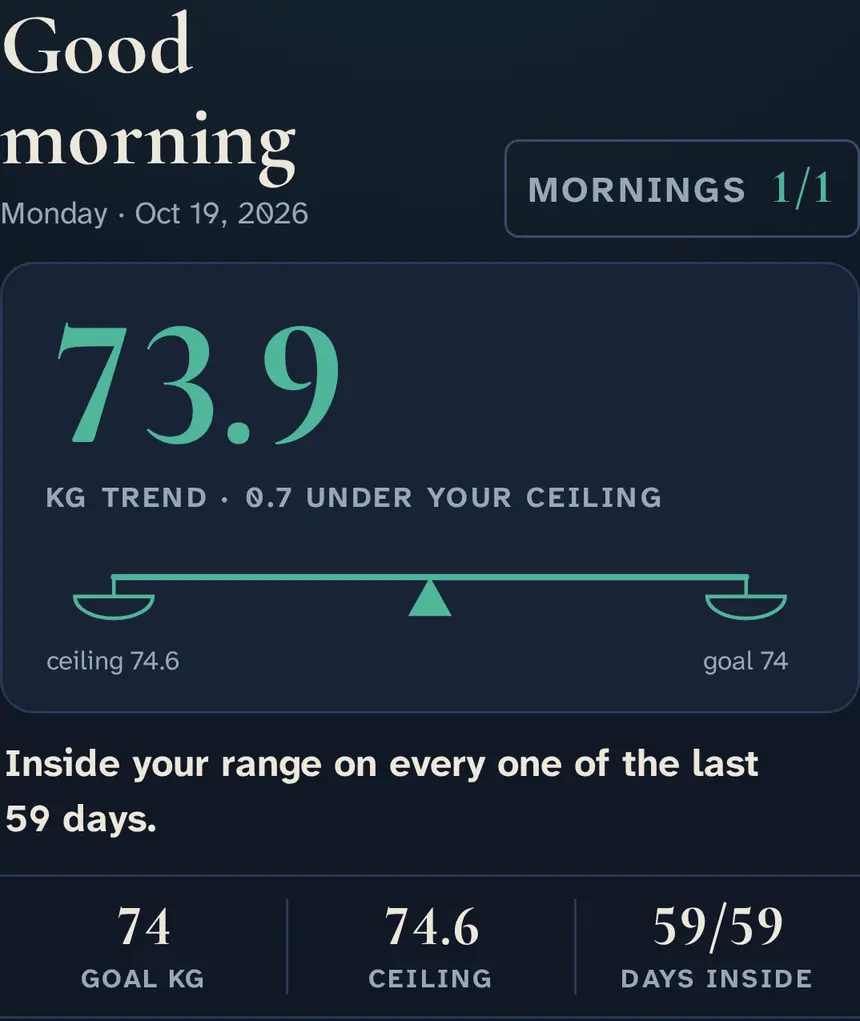
When your trend reaches your goal, Moderly changes its job. Your budget becomes what you maintain on, a ceiling sits a little above you, and Today counts the days your trend stayed inside your range: a rate, so a day over costs one day, never the whole count. Go over and your own plan comes back, with one gentle step down.
Already lost the weight, after a diet or a medicine? Start in keep-it-off mode from the first day.
It's the idea from the STOP Regain trial: of people taught to weigh daily and act on a small gain, 46 to 55% regained 2.3 kg or more over 18 months, against 72% of those who weren't.
How it compares
Honestly, including where Moderly is behind.
| Moderly | MacroFactor | MyFitnessPal | Lose It! | Noom | |
|---|---|---|---|---|---|
| Price | Free | About $72 a year | Free with ads; Premium about $80 a year | Free with ads; Premium about $40 a year | About $209 a year |
| Ads | None | None | In the free version | In the free version | None |
| Calorie budget learned from your own scale and log | Yes | Yes | No | No | No |
| Start without an account | Yes | No | No | No | No |
| Open source | Yes, AGPL-3.0 | No | No | No | No |
| iPhone app | Not yet; works in Safari | Yes | Yes | Yes | Yes |
| Food database | Open Food Facts, plus estimates from a photo or words | Large and curated | Very large, crowd-sourced | Large | Large |
Prices are the US list prices we found in October 2026; they vary by country and offer, so check each app before you buy.
Your data is yours.
Moderly keeps your data to run the app for you, and for nothing else.
- No ads, no trackers, and nothing is ever sold.
- Stored in the EU, in Frankfurt.
- Export everything, or delete everything, from Settings.
- Open source: you can read exactly what it does with your data, or run your own copy.
- The privacy page lists every outside service and when it's used.
Questions
Is Moderly really free?
Yes. No ads, no premium tier, and your data is never sold. The code is open source under the AGPL-3.0.
Do I need an account?
No. Start in one tap. Save it with an email and a password when you want it on another device, or to keep it if you lose your phone.
Does it work on iPhone?
Yes, in Safari: open moderly.vercel.app and add it to your Home Screen. The notifications that arrive when you unlock your phone are Android-only for now.
Can I use pounds or stone?
Yes. Kilograms, pounds, or stones and pounds, and you can switch at any time.
Can I bring my weigh-ins from another app?
Yes. Import a file from Apple Health, Libra, Happy Scale, MyFitnessPal, Withings, Fitbit, Google Fit, Samsung Health or a spreadsheet, and your trend starts on day one. The file is read on your phone; only one reading a day is saved, and an import can be undone.
What happens when I reach my goal?
Moderly asks whether to keep it there or aim a little lower. Keeping it, your budget becomes what you maintain on, a ceiling sits a kilo above your goal, and Today counts the days your trend stays inside that range.
My weight jumps before my period. Can Moderly tell?
Yes, if you want it to. Turn on period-aware weight in Settings and mark the first day of each period with one tap. After three cycles Moderly knows how much your own mornings move around a period, and says so on those days instead of letting a number scare you. It's off by default and used for nothing else.
I don't log everything I eat. Will it still work?
Yes, as long as you log roughly the same way most days. Moderly sets your budget from your log and your scale together, so what you leave out is left out of both.
I don't go to a gym. Is it for me?
Yes. Choose "No gym for now" and a walk a day counts. If you want to keep more muscle while you lose fat, two strength sessions a week help, and you can add them later.
Is it a medical app?
No. Moderly helps you keep track and plan; it doesn't diagnose or treat anything. It's for adults. If you're pregnant, have a medical condition or a history of eating disorders, talk to your doctor before you start.
Who makes it?
One developer, building it in the open. Much of the code was written with Claude, an AI assistant; every change is public on GitHub.
Guides
Start with today's weight.
Three short questions, then your first number. No email needed.
Start now